ShellMint
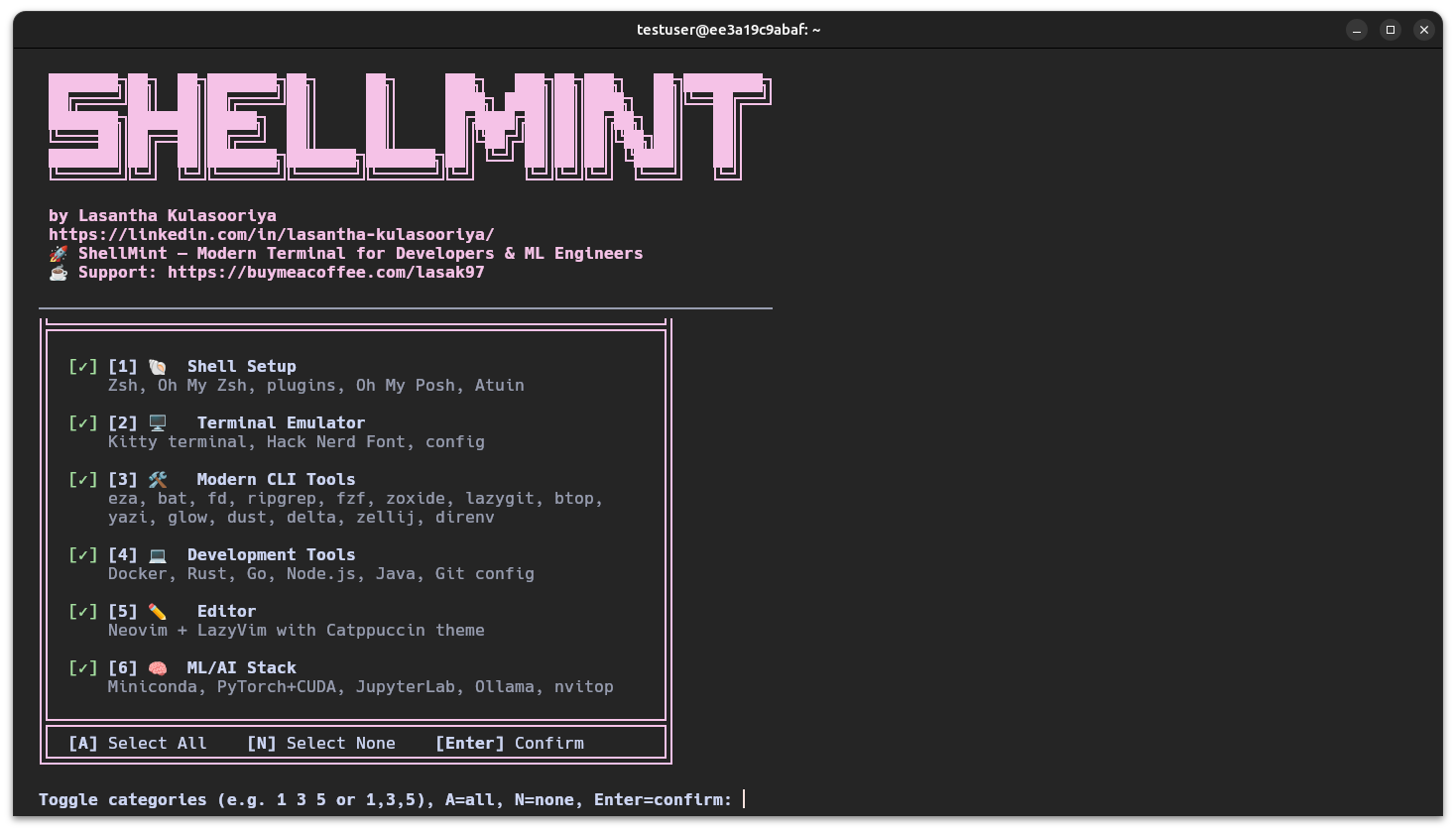
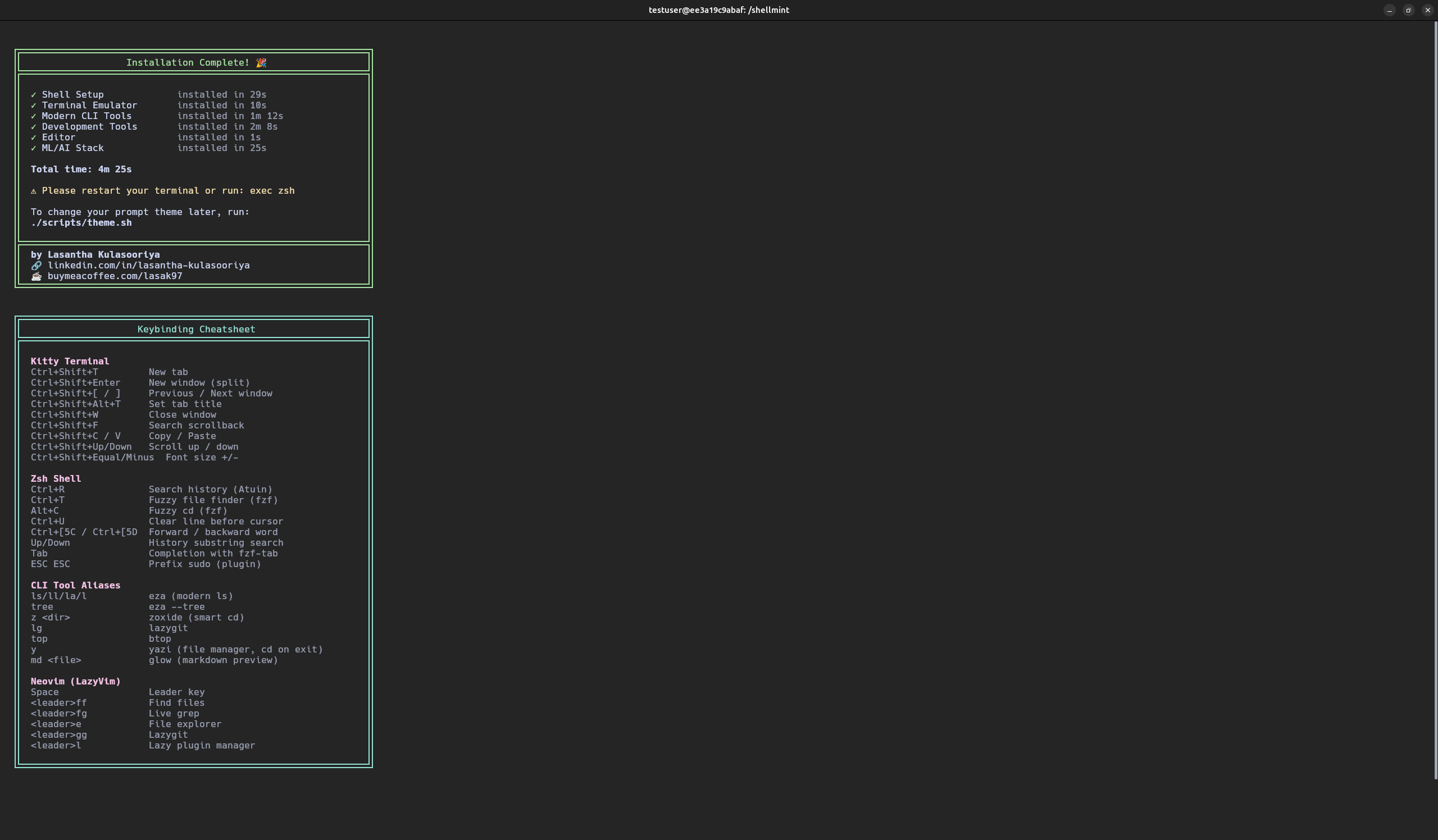
View on GitHubOne-command terminal environment installer for developers and ML engineers. Sets up shell, terminal emulator, modern CLI tools, editor, and a full ML and AI stack from a single interactive menu.
Setting up a productive Linux development environment is repetitive and error-prone. A developer typically needs a shell, prompt, terminal emulator, modern CLI tools, language runtimes, editor configuration, Docker, and often an ML stack, frequently across more than one machine. Manual setup can take hours and rarely reproduces the same way twice. ShellMint packages a curated, category-based setup workflow into a public installer with safety features and automation support.
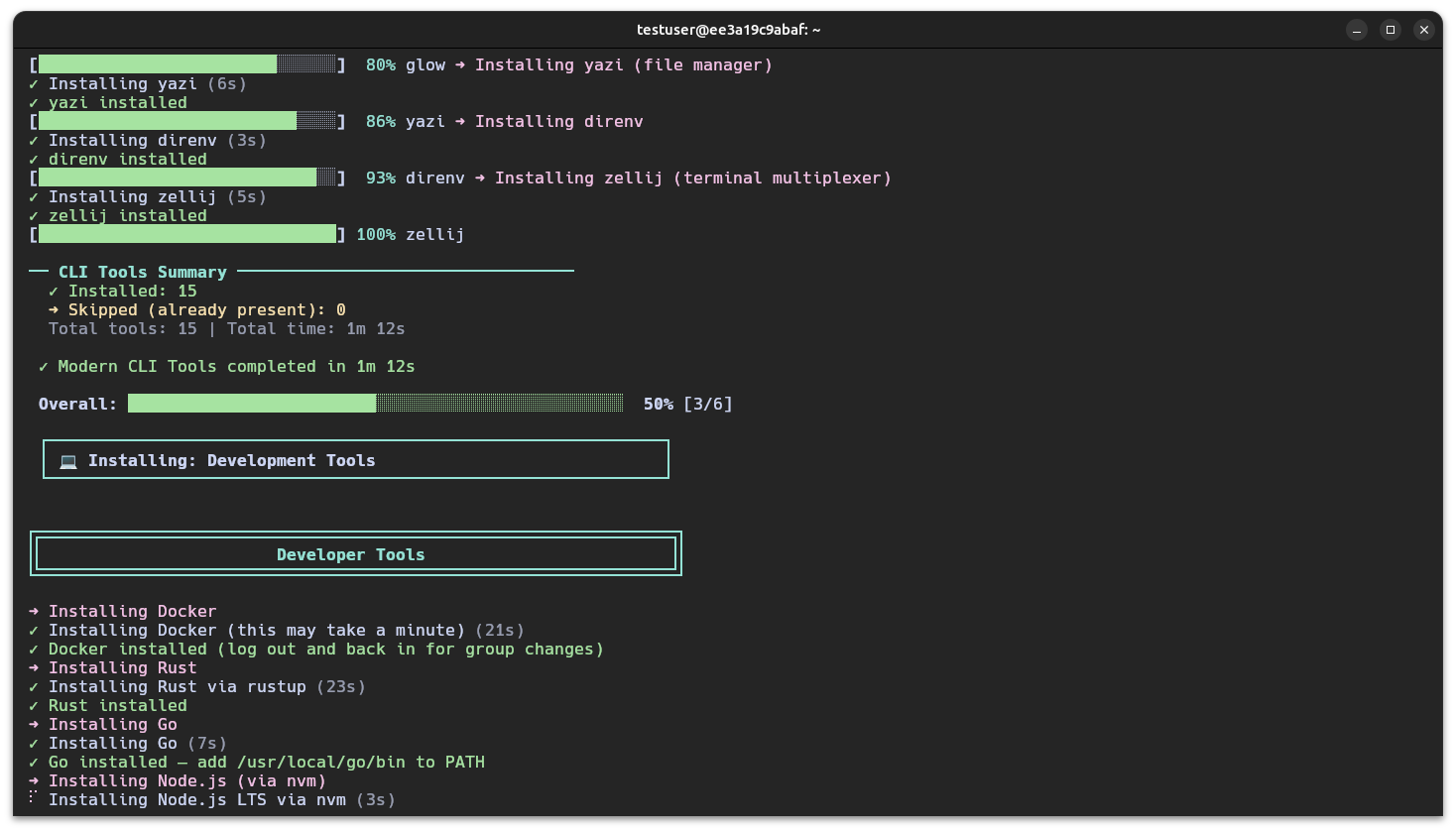
ShellMint is a Bash-based installer with a modular script architecture. The main script handles argument parsing, prerequisite checks, category selection, orchestration, and health checks, while each install category, shell setup, terminal emulator, modern CLI tools, development tools, editor setup, and the ML and AI stack, is isolated into its own script. Shared logic such as colored output, spinners, progress bars, system detection, and GitHub release helpers is centralized in one utilities file. Bash was chosen deliberately for portability, since it runs on a fresh machine without first needing Python or Node. Existing configuration files are backed up before replacement rather than overwritten, and a pinned-version fallback file covers GitHub API rate limits or outages. The installer is architecture-aware for x86_64 and ARM64 binary downloads, handles interrupt cleanup for background spinner processes, and detects CUDA to select the correct PyTorch build, falling back to CPU when no GPU is available.